Maytapi
If you work with WhatsApp data from code, you have probably seen an id like 112893567721673@lid where you expected 90532xxxxx67@c.us. That is a WhatsApp LID, and it quietly breaks anything that matches people by phone number. This post explains what a LID is, where it shows up, what it breaks, and how to convert a WhatsApp LID to a phone number (and back) with the Maytapi API, plus a storage pattern that keeps your CRM clean.
What a WhatsApp LID is
A LID (linked identifier) is a privacy id that WhatsApp uses instead of a phone number in some chats, groups and events. It looks like a long number followed by @lid, for example 112893567721673@lid. The number part is not a phone number and has no country code. It is an opaque identifier that WhatsApp maps to an account internally.
WhatsApp rolled LIDs out gradually so that linked devices see fewer raw phone numbers, especially in places where people did not explicitly share their number with you: large groups, communities and their announcement groups. Because Maytapi connects your number as a linked device (the same way WhatsApp Web does), your session receives whatever identifier WhatsApp hands to that device. When WhatsApp sends a LID, the API has to resolve it before it can show you a phone number, and sometimes it cannot.
These are the id suffixes you will meet most often:
| Suffix | Meaning | Example |
|---|---|---|
@c.us |
A person, identified by phone number | 90532xxxxx67@c.us |
@g.us |
A group | 120363012345678901@g.us |
@lid |
A person, identified by a privacy id | 112893567721673@lid |
@newsletter |
A WhatsApp Channel | 120363098765432109@newsletter |
@broadcast |
Status updates (stories) | status@broadcast |
Where @lid shows up
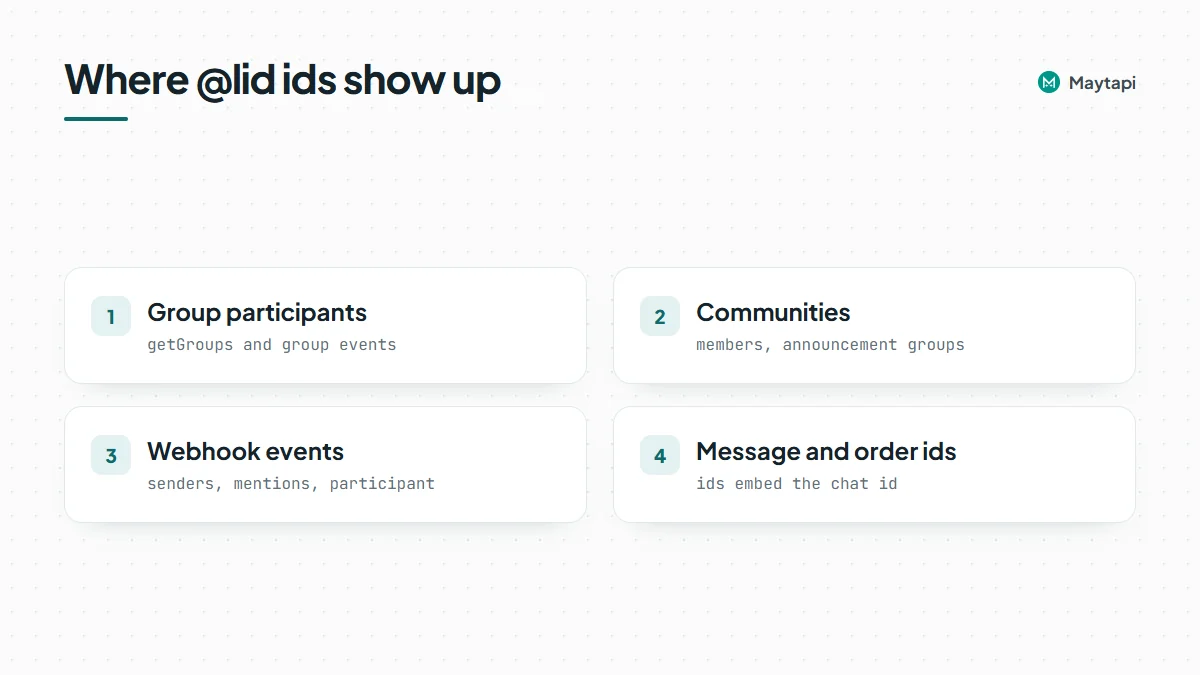
LIDs appear wherever WhatsApp hides the phone number from linked devices. In practice you will see them in these places:
- Group participants. Large or newer groups often list members as
@lidinstead of@c.us, both ingetGroupsresponses and in group event participants. - Communities. Community members and announcement-group participants are commonly returned as LIDs. The changelog notes a fix for
getCommunitiesreturning participants in LID format, with the caveat that some participants may still be returned as@lid. - Webhook events. Senders, mentions, and the
participantfield of info messages (group adds, removes, promotions) can reference a LID. - Message and order ids. Message ids embed the chat id, so they can contain the
@lidform of a chat. Thecatalog/getOrdersexample, for instance, returns ids likefalse_90532xxxxx67@lid_3EB08D542BF8D2092951EE.
Maytapi has been resolving LIDs on the server side as WhatsApp expanded them. Over 2025 the changelog lists fixes for @lid ids in group messages, mentions, info-message participants and webhook message payloads. The 15.12.2025 release went further: /getContacts and /getConversations now return proper @c.us or @g.us ids, and so do the conversation field of webhook payloads and the chatId of ack (receipt) payloads. If you built your integration before that date and added workarounds, it is worth re-checking them.
What LIDs break in your integration
The trouble with a LID is not the format, it is identity. Most systems key a WhatsApp contact by phone number. When the same person reaches you as 90532xxxxx67@c.us in a one-to-one chat and as 112893567721673@lid in a group, a naive integration sees two different people. Typical symptoms:
- Duplicate CRM contacts. A new record is created for every LID because the lookup by phone fails.
- Lost history. A bot or helpdesk that stores state per sender splits one customer's conversation across two keys.
- Broken exports. Group member exports for moderation or reporting contain ids that nobody can call or message.
- Failed allow lists. Logic like "only admins with these numbers can run this command" silently stops matching.
None of this throws an error, which is why LIDs often go unnoticed until someone looks at the data.
Convert a WhatsApp LID to a phone number with the API
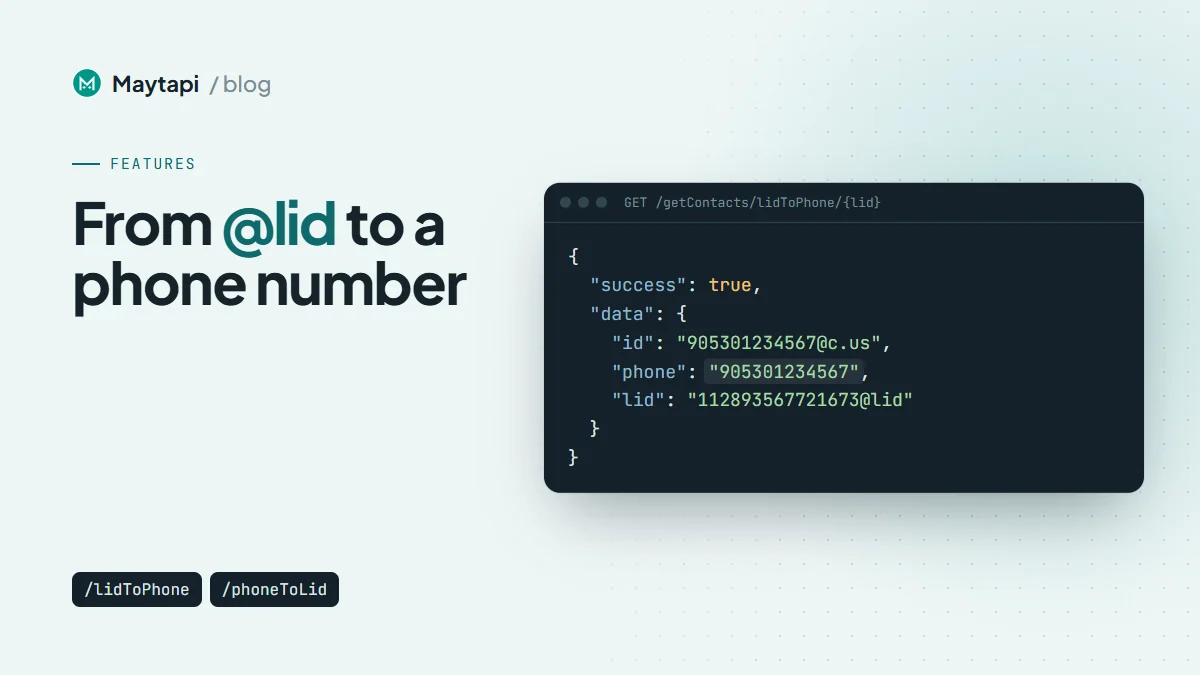
The lidToPhone endpoint takes a LID and returns the chat id, name and phone number when WhatsApp exposes them. It accepts both the full form (112893567721673@lid) and the bare number (112893567721673).
curl "https://api.maytapi.com/api/$PRODUCT_ID/$PHONE_ID/getContacts/lidToPhone/112893567721673@lid" \
  -H "x-maytapi-key: $TOKEN"
A resolved LID returns:
{
  "success": true,
  "data": {
    "id": "90532xxxxx67@c.us",
    "name": "John Doe",
    "phone": "90532xxxxx67",
    "lid": "112893567721673@lid"
  }
}
When the number cannot be resolved, the response is simply { "success": false } with no data. The API documentation names the usual reasons: the contact hides their phone number, or the number is not on WhatsApp. Treat success: false as a normal outcome, not an error. Some people will stay as a LID, and your data model should allow for that.
In Node.js:
const lid = "112893567721673@lid";
const res = await fetch(
  `https://api.maytapi.com/api/${PRODUCT_ID}/${PHONE_ID}/getContacts/lidToPhone/${lid}`,
  { headers: { "x-maytapi-key": TOKEN } }
);
const { success, data } = await res.json();
console.log(success ? data.phone : "number hidden");
Going the other way: phone number to LID
phoneToLid does the reverse. Pass the number with its country code and no + or spaces. The response has the same shape as lidToPhone, and returns success: false when the number is not on WhatsApp or cannot be resolved.
curl "https://api.maytapi.com/api/$PRODUCT_ID/$PHONE_ID/getContacts/phoneToLid/90532xxxxx67" \
  -H "x-maytapi-key: $TOKEN"
This is handy when you already have a list of customers by phone number and want to recognize them the first time they appear as a LID, for example in a group event.
See the LID to phone number API page for more examples.
Resolving LIDs in group participant lists
Groups are where most LIDs live. getGroups and getGroups/{conversation_id} accept a refresh=true parameter. With it, Maytapi refreshes group info from WhatsApp for groups on the page whose participant list is incomplete, so participants come back as @c.us wherever the number is available.
curl "https://api.maytapi.com/api/$PRODUCT_ID/$PHONE_ID/getGroups/120363012345678901@g.us?refresh=true" \
  -H "x-maytapi-key: $TOKEN"
Two caveats from the docs and changelog:
- Each refreshed group costs one query to WhatsApp. Use
refresh=truewhen you actually see@lidparticipants, not on every call. - Cached data may still return
@lidnumbers even after they were converted to@c.us, and participants who hide their number stay as@lidno matter what. Your code still needs to handle LIDs after a refresh.
Note: Do not loop over thousands of LIDs or refresh every group on a schedule. A group refresh is a query your number makes to WhatsApp, and unusual bursts of automated activity are the kind of thing that puts a number at risk. Resolve lazily and cache, as described below. The ban prevention guide covers what else to keep an eye on.
For more on group automation in general, see How to Create and Manage WhatsApp Groups with an API.
A practical pattern: store both ids, resolve lazily, cache
A robust integration treats a WhatsApp person as one record with up to two keys, the phone-based id and the LID, rather than picking one.
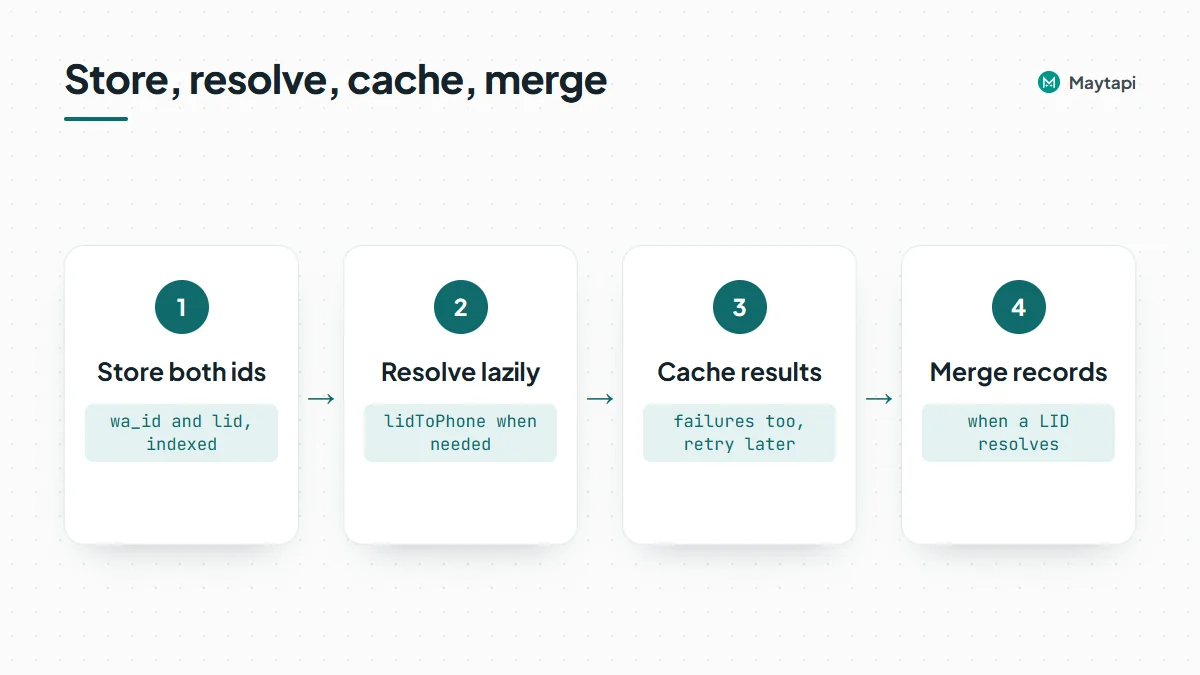
- Store both ids. Give each contact a
wa_id(the@c.usid, when known) and alid(when known). Index both. Your lookup for an incoming id checks the column that matches its suffix. - Resolve lazily. Only call
lidToPhonewhen you meet a LID you have not seen before and you need the number, for example to match a CRM record. Do not resolve every participant of every group up front. - Cache results, including failures. Store the mapping when
successis true. When it is false, store that too with a timestamp and retry much later, so a hidden number does not trigger a lookup on every message. - Merge when you learn more. If a LID-only contact later resolves, or someone you know by phone turns up via
phoneToLid, merge the two records instead of keeping duplicates.
Here is a compact Node.js version of steps 2 and 3:
const BASE = `https://api.maytapi.com/api/${PRODUCT_ID}/${PHONE_ID}`;
const cache = new Map(); // use Redis or your database in production

async function resolve(chatId) {
  if (!chatId.endsWith("@lid")) return chatId;
  if (cache.has(chatId)) return cache.get(chatId);
  const res = await fetch(`${BASE}/getContacts/lidToPhone/${chatId}`, {
    headers: { "x-maytapi-key": TOKEN },
    signal: AbortSignal.timeout(10000)
  }).then((r) => r.json());
  cache.set(chatId, res.success ? res.data.id : chatId);
  return cache.get(chatId);
}
The function returns the @c.us id when the LID resolves and the LID itself when it does not, so callers always get a stable key. In a webhook handler, run it on the sender or participant before you look the person up in your CRM, and acknowledge the webhook with a 200 first so slow lookups never delay delivery. The webhook events guide shows where those ids sit in each payload.
Next steps
LIDs are part of how WhatsApp works now, and more of them will appear over time. Store both ids, treat "unresolvable" as a valid state, and call the resolver only when you need a number.
- Try
lidToPhoneandphoneToLidin the API documentation. - Read the LID to phone number API feature page.
- Follow LID-related fixes in the changelog.
- See how usernames, the other way WhatsApp hides numbers, work in the username API guide.
- Try
lidToPhoneon your own groups with the 3-day free trial.