 Maytapi
WhatsApp Number Check API
Find out which phone numbers are registered on WhatsApp before you message them. Send a list of numbers to one endpoint and get back which are valid — so your messages only go to people who can receive them.
- bulk number check
- valid / invalid result
- WhatsApp id for each number
- free online tool
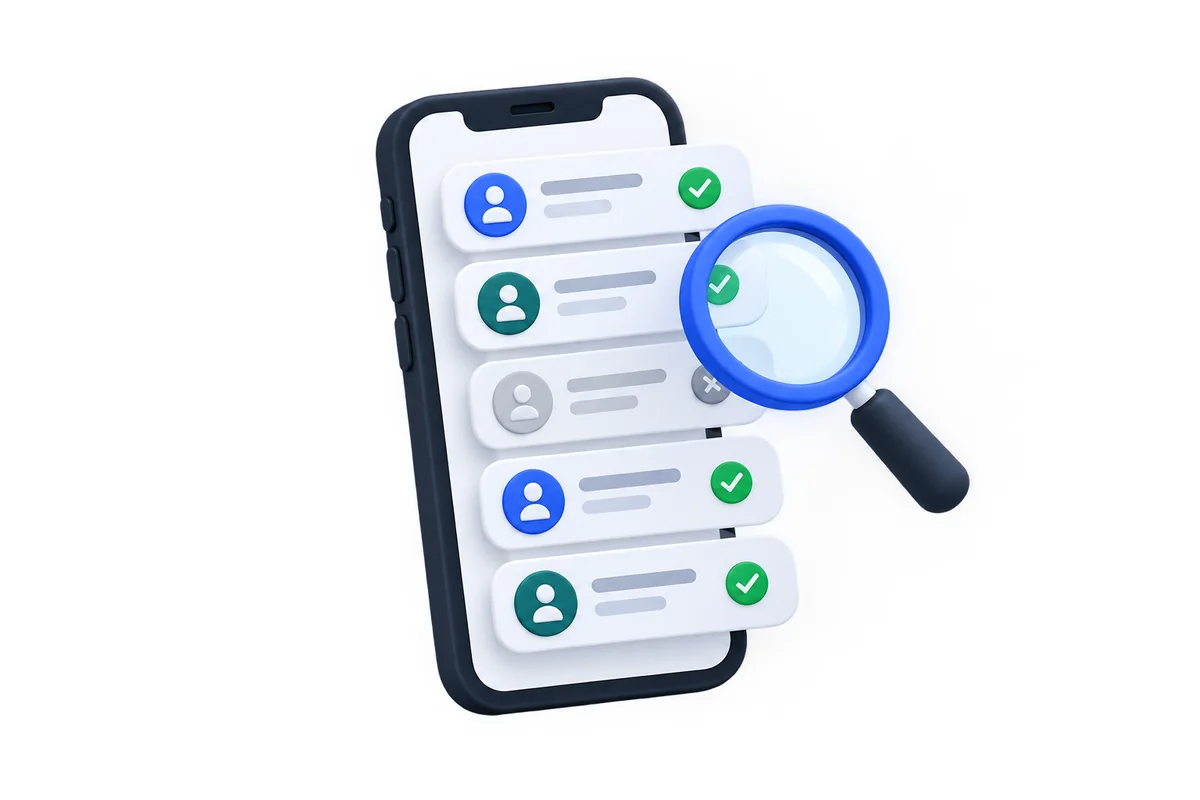
Why check numbers first
Sending to numbers that are not on WhatsApp wastes requests and adds nothing but risk.
-
list hygiene
Clean contact lists
Remove numbers that are not on WhatsApp before a campaign or an import.
-
forms
Validate at sign-up
Check a phone number the moment a user types it into your form.
-
anti-ban
Fewer failed sends
Messages to non-WhatsApp numbers never arrive — skipping them keeps your sending clean.
Check many numbers in one request
Send the numbers in international format as an array. The response returns every number with its status and the WhatsApp id you can use as to_number.
- ✓Numbers in international format, without +
- ✓valid: true or false for each number
- ✓The WhatsApp id (…@c.us) is returned for valid numbers
curl -X POST "https://api.maytapi.com/api/$PID/$PHONE_ID/checkPhones" \
  -H "x-maytapi-key: $TOKEN" \
  -H "Content-Type: application/json" \
  -d '{
    "numbers": [
      "1415xxxxx67",
      "1415xxxxx43"
    ]
  }'
const res = await fetch(`https://api.maytapi.com/api/${PID}/${PHONE_ID}/checkPhones`, {
method: "POST",
headers: { "x-maytapi-key": TOKEN, "Content-Type": "application/json" },
body: JSON.stringify({ numbers: ["1415xxxxx67", "1415xxxxx43"] })
});
const { data } = await res.json();
const onWhatsApp = data.filter((n) => n.valid).map((n) => n.id._serialized);res = requests.post(
f"https://api.maytapi.com/api/{PID}/{PHONE_ID}/checkPhones",
headers={"x-maytapi-key": TOKEN},
json={"numbers": ["1415xxxxx67", "1415xxxxx43"]},
timeout=10,
)
on_whatsapp = [n["id"]["_serialized"] for n in res.json()["data"] if n["valid"]]A clear valid / invalid answer
Use the valid flag to split your list, and keep the returned id to send messages without any further lookups.
- ✓status: valid or invalid
- ✓id._serialized is ready to use as to_number
{
  "success": true,
  "data": [
    {
      "status": "valid",
      "valid": true,
      "id": {
        "server": "c.us",
        "user": "1415xxxxx67",
        "_serialized": "1415xxxxx67@c.us"
      }
    },
    {
      "status": "invalid",
      "valid": false,
      "id": {
        "server": "c.us",
        "user": "1415xxxxx43",
        "_serialized": "1415xxxxx43@c.us"
      }
    }
  ]
}Where teams check numbers
-
CRM imports
Mark which customers can be reached on WhatsApp when you import contacts.
-
Checkout
Ask for WhatsApp notifications only when the number is on WhatsApp.
-
Safer sending
Keep invalid numbers out of your sending queue.
Number check FAQ
Ask our support team anything over WhatsApp. Average response time is under 24 hours.
Help center →Does the person know their number was checked?
No. Checking a number does not send anything to it and the owner is not notified.
Is there a free way to try it?
Yes. The free WhatsApp number checker tool on our site checks single numbers without an account.
Which number format should I use?
International format with country code and without + or spaces, for example 1415xxxxx67.
More WhatsApp API features

Get your key, send your first message in ten minutes
No approval, no templates, no card. Every endpoint is open for three days.