 Maytapi
WhatsApp Webhook API
Receive incoming WhatsApp messages, delivery and read receipts and session status changes on your own server the moment they happen. Set one URL and every connected number posts its events there as JSON.
- incoming messages
- delivery & read receipts
- session status
- one URL for all numbers
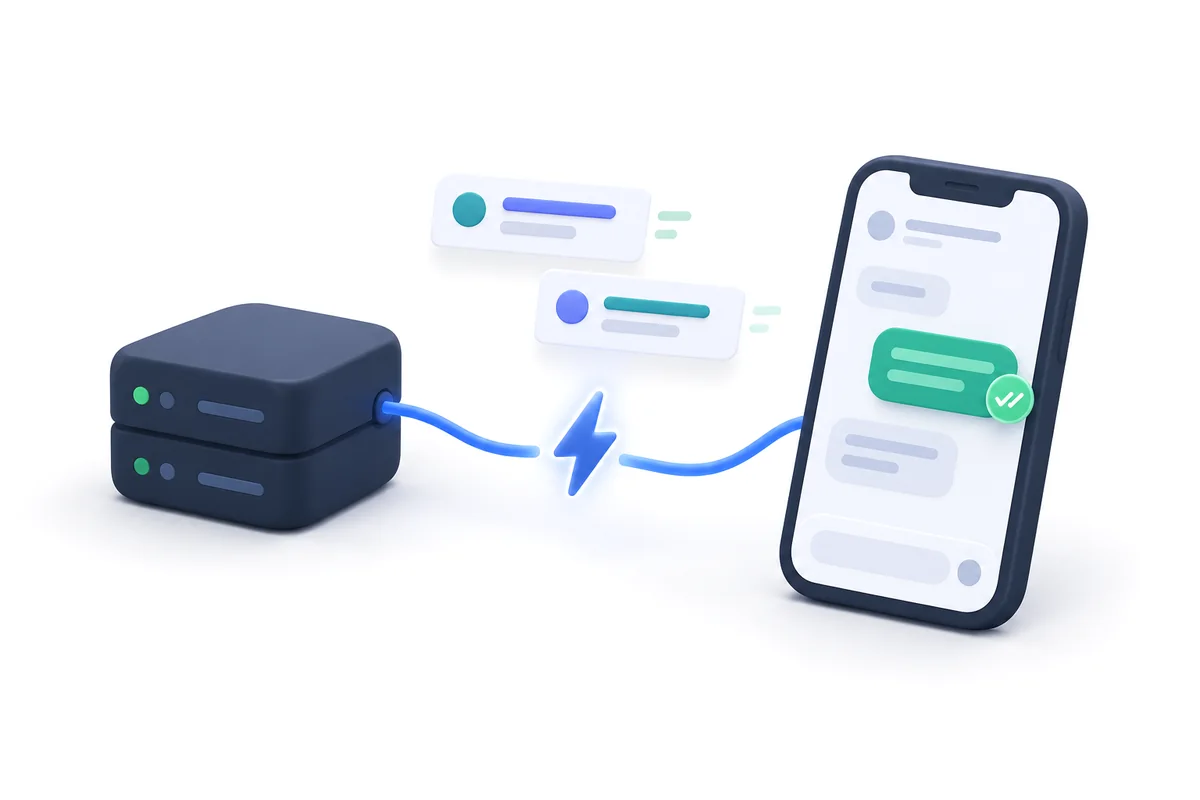

Four event types, one endpoint
Every event has a type field, so a single endpoint can route messages, receipts and status changes for all of your numbers.
-
type: message
Incoming messages
Text, images, video, audio, documents, locations and contact cards sent to your number, with the sender and conversation id.
-
type: ack
Delivery & read receipts
Know when a message you sent is delivered, reached the phone, was seen, played or deleted.
-
type: status
Session status
Get notified when a phone becomes active, waits for a QR scan, goes idle or reports a phone error.
-
live chat
Live chat events
When you use the API together with LiveChat, agent-side events are delivered to the same webhook.
-
phone_id
Multi-number routing
Each event includes product_id and phone_id, so one endpoint can serve every number on your account.
-
reply
Ready-made reply URL
Incoming message events carry a reply URL, so answering a customer is a single POST request.
Set your webhook with one request
Send your HTTPS endpoint to /setWebhook once. From then on, every phone connected to your product posts its events to that URL as JSON.
- ✓One URL for every connected number
- ✓Plain JSON over HTTPS POST
- ✓Change it any time from the console or the API
curl -X POST "https://api.maytapi.com/api/$PID/setWebhook" \
  -H "x-maytapi-key: $TOKEN" \
  -H "Content-Type: application/json" \
  -d '{"webhook": "https://example.com/maytapi/webhook"}'
await fetch(`https://api.maytapi.com/api/${PID}/setWebhook`, {
method: "POST",
headers: { "x-maytapi-key": TOKEN, "Content-Type": "application/json" },
body: JSON.stringify({ webhook: "https://example.com/maytapi/webhook" })
});import requests
requests.post(
f"https://api.maytapi.com/api/{PID}/setWebhook",
headers={"x-maytapi-key": TOKEN},
json={"webhook": "https://example.com/maytapi/webhook"},
timeout=10,
)$ch = curl_init("https://api.maytapi.com/api/$pid/setWebhook");
curl_setopt_array($ch, [
CURLOPT_POST => true,
CURLOPT_RETURNTRANSFER => true,
CURLOPT_HTTPHEADER => ["x-maytapi-key: $token", "Content-Type: application/json"],
CURLOPT_POSTFIELDS => json_encode(["webhook" => "https://example.com/maytapi/webhook"]),
]);
echo curl_exec($ch);Messages and receipts, as they happen
A customer writes, your server knows. You send a message, the delivery and read receipts follow within seconds — no polling needed.
- ✓Return HTTP 200 to acknowledge an event
- ✓Process events asynchronously for high volume
- ✓Use msgId to match receipts to sent messages
"type": "text", "text": "Is my order shipped?""ackCode": 1, "ackType": "delivered""ackCode": 2, "ackType": "reached""ackCode": 3, "ackType": "seen""status": "active"What an event looks like
Events are compact JSON objects. The type field tells you how to handle it; product_id and phone_id tell you which account and number it belongs to.
- ✓message: text, media, location, vCard and more
- ✓ack: delivery progress with ackCode and ackType
- ✓status: active, qr-code, idle, phone-error, loading, disabled
{
  "type": "message",
  "product_id": "1a2b3c4d-…",
  "phone_id": 12345,
  "user": {
    "id": "1415xxxxx67@c.us",
    "name": "Customer",
    "phone": "1415xxxxx67"
  },
  "message": {
    "id": "3EB081AF26FADE6416D8",
    "type": "text",
    "text": "Is my order shipped?",
    "fromMe": false
  },
  "conversation": "1415xxxxx67@c.us",
  "receiver": "1415xxxxx21",
  "timestamp": 1574081887,
  "reply": "https://api.maytapi.com/api/1a2b3c4d-…/12345/sendMessage"
}
{
"type": "ack",
"product_id": "1a2b3c4d-…",
"data": [
{
"ackType": "seen",
"ackCode": 3,
"chatId": "1415xxxxx67@c.us",
"msgId": "3EB0A1B2C3D4E5F6",
"time": 1586874663
}
]
}{
"type": "status",
"pid": "1a2b3c4d-…",
"phone_id": 12345,
"status": "active"
}Delivery and read receipts, code by code
Ack events report how far each sent message got. If you do not need them, turn them off with /setAckPreference and keep only incoming messages.
- ✓Voice notes also report when they are played
- ✓Deleted messages are reported too
| ackType | ackCode | Meaning |
|---|---|---|
| delivered | 1 | Delivered to WhatsApp servers |
| reached | 2 | Reached the recipient's phone |
| seen | 3 | Seen by the recipient |
| played | 4 | Voice message played |
| deleted | 5 | Deleted by the user |
Answer from the same event
Incoming message events include a ready-made reply URL. Acknowledge the webhook quickly, then post your answer — a simple pattern for auto-replies and chatbots.
- ✓Works with any language or framework
- ✓Ignore your own messages with message.fromMe
app.post("/maytapi/webhook", express.json(), async (req, res) => {
  res.sendStatus(200); // acknowledge first

  const event = req.body;
  if (event.type !== "message" || event.message.fromMe) return;

  await fetch(event.reply, {
    method: "POST",
    headers: { "x-maytapi-key": TOKEN, "Content-Type": "application/json" },
    body: JSON.stringify({
      to_number: event.conversation,
      type: "text",
      message: "Thanks! We received your message."
    })
  });
});
@app.post("/maytapi/webhook")
def webhook():
event = request.get_json()
if event.get("type") == "message" and not event["message"]["fromMe"]:
requests.post(
event["reply"],
headers={"x-maytapi-key": TOKEN},
json={
"to_number": event["conversation"],
"type": "text",
"message": "Thanks! We received your message.",
},
timeout=10,
)
return "", 200What teams build on the webhook
-
CRM and helpdesk sync
Every incoming WhatsApp message becomes a ticket or a timeline entry in your CRM automatically.
-
Chatbots and AI agents
Pass incoming messages to your bot or AI agent and answer through the reply URL in real time.
-
Delivery tracking
Store delivery and read receipts to see which order updates customers actually saw.
-
Session monitoring
Alert your team when a number needs a new QR scan or reports a phone error.
-
No-code automations
Point the webhook at n8n or Make and build flows without writing a backend.
-
Shared inbox
Route conversations from several numbers to the right team member.
WhatsApp webhook FAQ
Ask our support team anything over WhatsApp. Average response time is under 24 hours.
Help center →What is a WhatsApp webhook?
A webhook is a URL on your server that Maytapi calls with an HTTPS POST request whenever something happens on your WhatsApp number — a new incoming message, a delivery or read receipt, or a session status change.
Which events are sent to my webhook?
Incoming messages (type: message), delivery and read receipts (type: ack), session status changes (type: status) and, when you use the API with LiveChat, live chat events.
Do I need a public HTTPS URL?
Yes. The webhook must be reachable from the internet. During development you can use a tunnel such as ngrok to expose your local server.
Can one webhook handle several numbers?
Yes. The webhook is set per product and every event contains the phone_id, so a single endpoint can serve all numbers on your account.
Can I turn off delivery and read receipts?
Yes. Call /setAckPreference with ack_delivery set to false and your webhook will only receive incoming messages and status changes.

Get your key, send your first message in ten minutes
No approval, no templates, no card. Every endpoint is open for three days.