 Maytapi
How to send your first WhatsApp message with the API
From a new account to a delivered message in four steps: pair your number, copy your credentials, send one request and listen for the delivery receipt. No approval process and no templates.
- pair with QR
- pid & token
- one POST request
- delivery on webhook
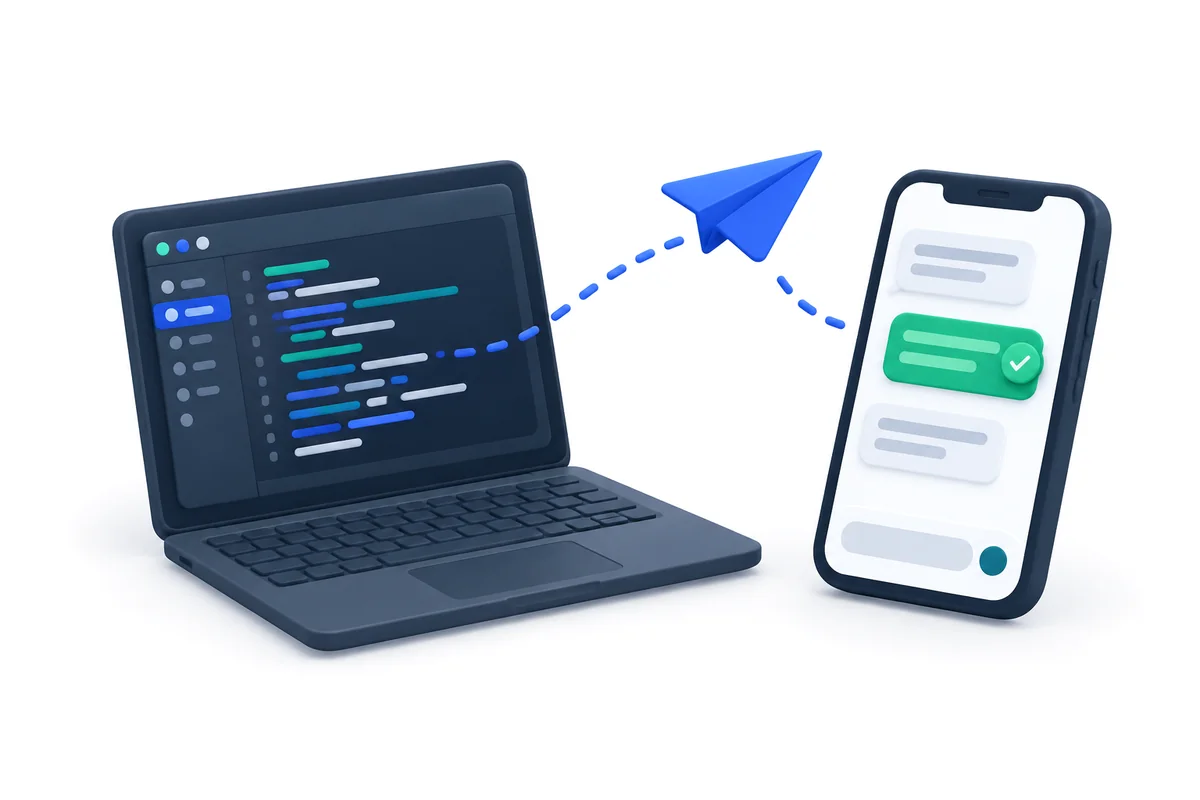

Four steps to your first message
Everything below can be done in the console and a terminal — no SDK needed.
-
step 1
Create an account
Sign up in the console and start the free trial — no card required.
-
step 2
Pair your number
Add a phone and scan the QR code with WhatsApp on your phone (Linked devices). Your number stays as it is.
-
step 3
Copy your credentials
Your pid and API token are on the token page of the console; the phone_id is shown next to your number.
-
step 4
Send the request
POST to /sendMessage with the x-maytapi-key header and a JSON body.
Find pid, phone_id and token
Every request uses the same base URL with your pid and phone_id, and your token in the x-maytapi-key header. You can also list your phones through the API.
- ✓Token and pid: console → Settings → Token
- ✓phone_id: shown next to each number, or via /listPhones
- ✓Keep the token secret — it gives full access to your account
curl "https://api.maytapi.com/api/$PID/listPhones" \
  -H "x-maytapi-key: $TOKEN"
Send the first message
Send a text message to any WhatsApp number in international format. The request adds the message to your phone's queue and returns immediately.
- ✓to_number in international format, e.g. 1415xxxxx67
- ✓type: text with a message
- ✓The response contains the message id
curl -X POST "https://api.maytapi.com/api/$PID/$PHONE_ID/sendMessage" \
  -H "x-maytapi-key: $TOKEN" \
  -H "Content-Type: application/json" \
  -d '{
    "to_number": "1415xxxxx67",
    "type": "text",
    "message": "Hello from the Maytapi WhatsApp API!"
  }'
const res = await fetch(`https://api.maytapi.com/api/${PID}/${PHONE_ID}/sendMessage`, {
method: "POST",
headers: { "x-maytapi-key": TOKEN, "Content-Type": "application/json" },
body: JSON.stringify({ to_number: "1415xxxxx67", type: "text", message: "Hello from the Maytapi WhatsApp API!" })
});
console.log(await res.json());import requests
res = requests.post(
f"https://api.maytapi.com/api/{PID}/{PHONE_ID}/sendMessage",
headers={"x-maytapi-key": TOKEN},
json={"to_number": "1415xxxxx67", "type": "text", "message": "Hello from the Maytapi WhatsApp API!"},
timeout=10,
)
print(res.json())Check that it arrived
Set a webhook to receive delivery and read receipts, or check the phone status if a message does not go out.
- ✓/setWebhook for receipts and incoming messages
- ✓/{phone_id}/status and /screen for the session
- ✓/{phone_id}/queue to see pending messages
curl "https://api.maytapi.com/api/$PID/$PHONE_ID/status" \
  -H "x-maytapi-key: $TOKEN"
curl "https://api.maytapi.com/api/$PID/$PHONE_ID/queue" \
  -H "x-maytapi-key: $TOKEN"
curl -X POST "https://api.maytapi.com/api/$PID/setWebhook" \
  -H "x-maytapi-key: $TOKEN" \
  -H "Content-Type: application/json" \
  -d '{
    "webhook": "https://example.com/maytapi/webhook"
}'Where to go next
-
Receive messages
Set up the webhook to get incoming messages and receipts.
-
Add buttons
Send buttons, lists and carousels from the same endpoint.
-
Avoid bans
Warm up new numbers and learn what triggers restrictions.
Getting started FAQ
Ask our support team anything over WhatsApp. Average response time is under 24 hours.
Help center →Do I need a new phone number?
No. You pair your existing WhatsApp number with a QR code; it keeps working on your phone as usual.
Why did my message not arrive?
Check the phone status first — the session must be active. Then look at the queue and the logs in the console. First messages to new numbers can also be limited by WhatsApp; see the ban prevention guide.
Can I test without paying?
Yes. The trial opens every endpoint for three days without a card.
More WhatsApp API features

Get your key, send your first message in ten minutes
No approval, no templates, no card. Every endpoint is open for three days.